Project Overview
UX Research project evaluating the content of the website, to uncover why educators where abandoning it and how to build trust again
Background
Professional Educators Standards Board is the governing body responsible for policy and oversight of Washington State’s educator certifications.

Improving Online Resources For State Educators
Role
UX Researcher, Project Lead
Methodologies
Mixed Methods User Research
Tools
Zoom, Google Forms, UserTestig, FigJam
Timeline
June - October 2023
Discovery
The user feedback stakeholders at PESB had been receiving concerned website usability, confusing terminology and navigation issues.
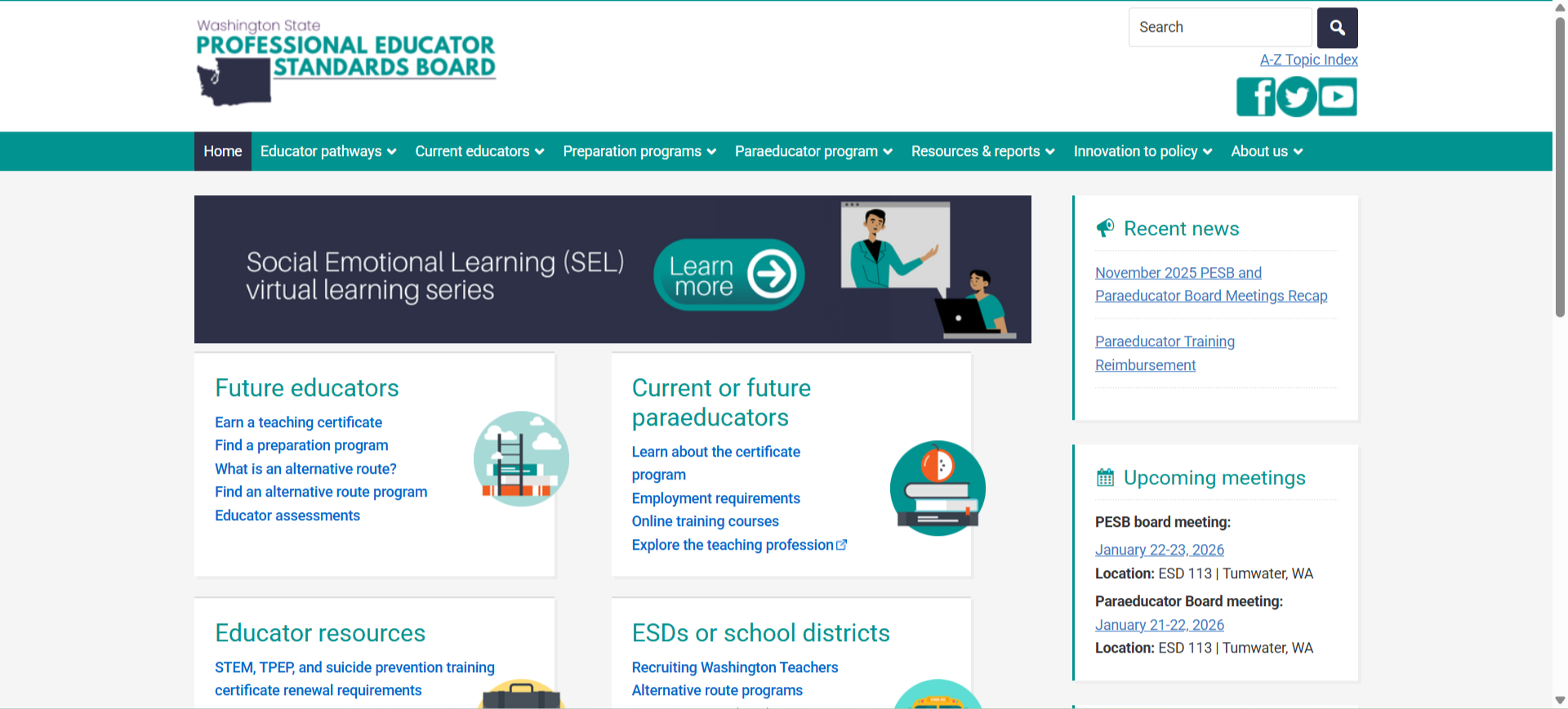
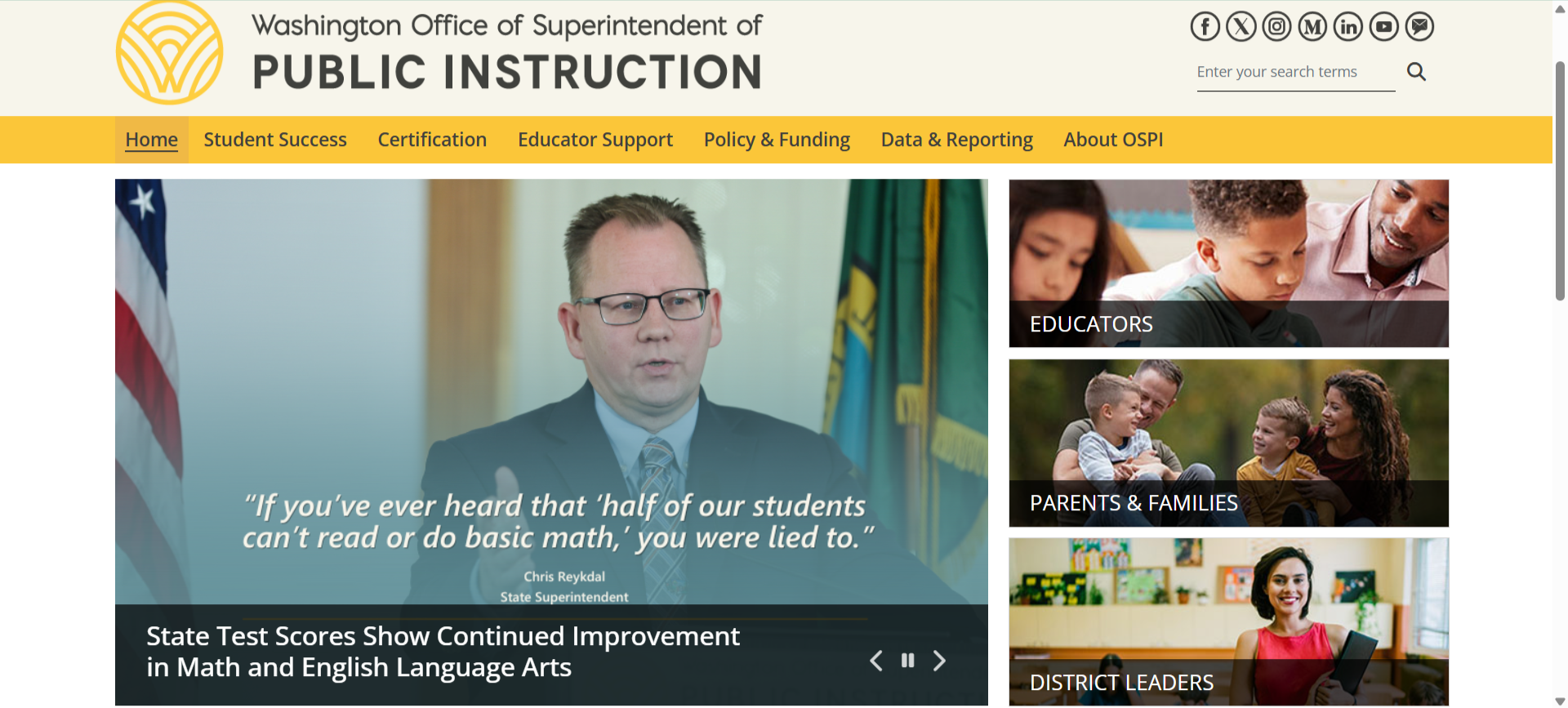
We began with a competitive analysis, benchmarking the PESB website against the OSPI site to understand where terminology and navigation patterns diverged from user expectations.
2.How are these issues affecting educators in real time? We launched an initial survey to move beyond anecdote and capture the scale of the problem. The results were striking — and pointed clearly toward where to focus next.rvey. Through the survey we could prioritize our roadmap and make data-driven decisions.
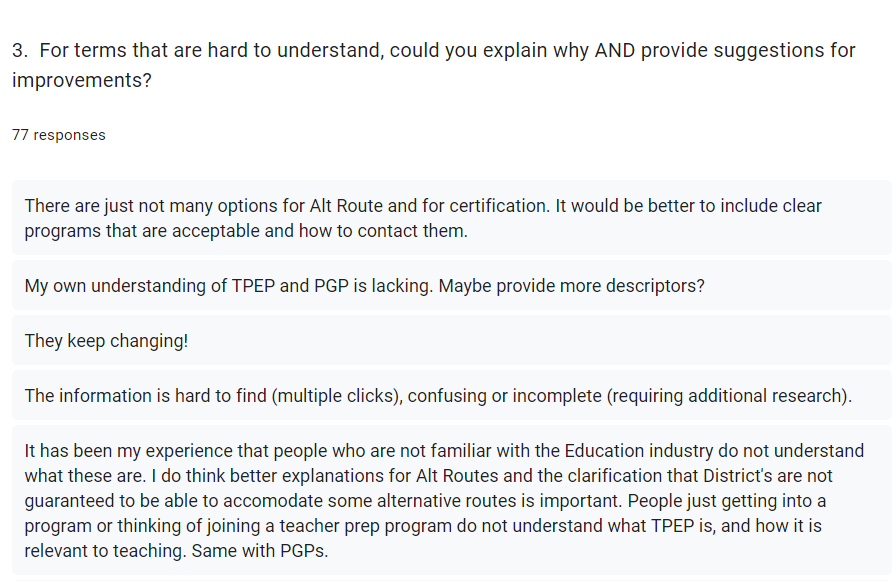
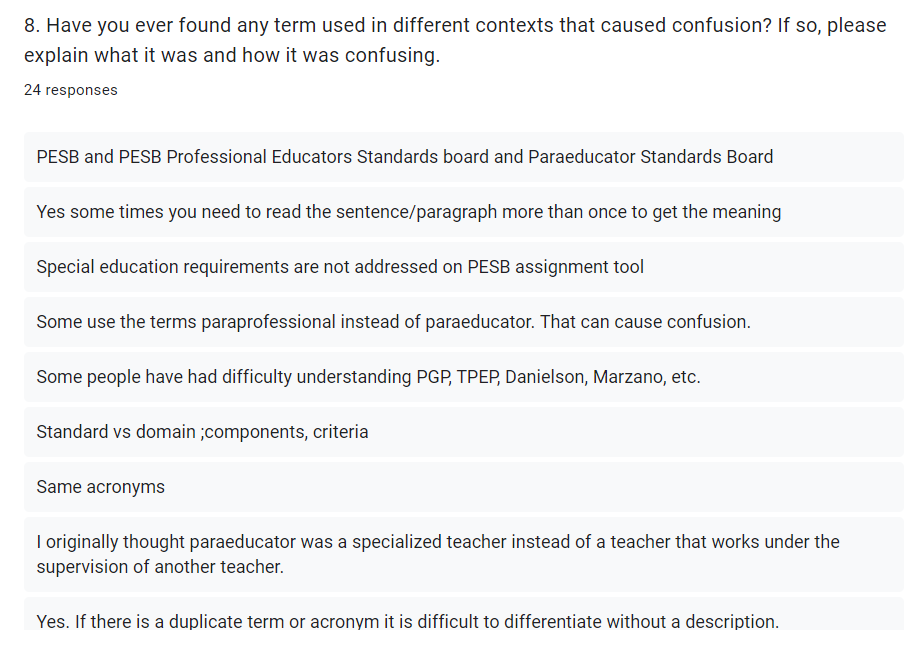
Out of 70+ Total Responses 100% of users had experienced isssues with confusing terminology
Participants expressed lack of explainations for techinical or legal terms, inconsistent use of similar terms like “teacher and educator” or “paraprofessional and paraeducator”
Almost all particiapants stated that there was a lack of clear, consistent definitions for acronyms like “PGP” “NBPTS”
54 users opted to use other websites to search for information related to educator certifications, preparation programs and alternative routes
60 users said they found it difficult to search for specific educator- related information
3 pain areas emerged clearly
Findability: Difficulty locating specific content (especially anything related to paraeducators)
Terminology Inconsistencies: Inconsistent use of interchangeable terms like "teacher" vs. "educator,"
Acronyms and Jargon: Unexplained acronyms -PGP, NBPTS, and others- scattered throughout dense text
Deep Dive
What are educators really saying? Conversations with other educators surfaced something the survey data had already hinted at: paraeducators were disproportionately affected. The available information about their certifications was sparse, hard to navigate, and often written in language that assumed familiarity with bureaucratic language that paraeducators themselves didn't use.
We ran a second survey targeting paraeducators specifically.
This survey focused specifically on paraeducators’ real working experiences. 38 respondents from diverse school districts, with an average of 25 years of experience. 11 scenario-based questions explored both professional situations and personal experiences with the site.
2. We followed the survey with one-on-one interviews with five participants, chosen to reflect a range of roles, ages, and comfort levels with technology. Five task-based questions gave us direct observation of where comprehension broke down.
“Just make it clear and presentable on the website. If it's someone's first time, they should be able to understand what they're looking for.”
-Jennifer, Educator of 21 years
“There are some parts that I disagree with and should be updated to be more relevant. Specifically, when it comes to becoming a para educator and your requirements.”
- Richard, Paraeducator of 15 years
Findings:
3 Consistent Failure Patterns
Information was nested, duplicated, and outdated
The same content appeared in multiple places with slight variations, making it unclear which version was current. Paraeducator resources in particular lacked a consolidated home, forcing users to piece together information from scattered pages.
Terminology inconsistencies created contextual confusion
Similar terms were used interchangeably throughout the site- "teacher" and "educator," "paraeducator" and "paraprofessional" -with no clear distinction between them. Users weren't sure if the terms meant different things or referred to the same role.
Unexplained acronyms and jargon blocked comprehension
Dense, text-heavy content relied on acronyms without ever defining them. Participants described having to leave the site entirely to look up basic terms before they could understand what they were reading.
Recommendations
Priority 01
Build a living glossary
Create a dedicated resource that defines all commonly used acronyms, explains industry jargon, and notes alternative or interchangeable terms. This directly addresses the single largest pain point across all user groups.
Priority 02
Restructure paraeducator content
Consolidate paraeducator resources under a single, clearly labeled section. Present certification requirements in plain language with practical context, and establish a regular review process to keep content current and non-duplicative.
Reflections
Learnings from a First-Time ProjectManager
Early check-ins prevent misaligned expectations from adding up
Use all the resources available to you
Embrace Flexibility- Projects rarely go exactly as planned; being adaptable is key. Changes in scope, unforeseen challenges, or team dynamics can all impact progress. A flexible mindset allows for problem-solving and adjusting plans effectively.
Prioritize Tasks- With a multitude of tasks to manage, prioritization is crucial
Document Everything!